Understanding the MV88 Microphone
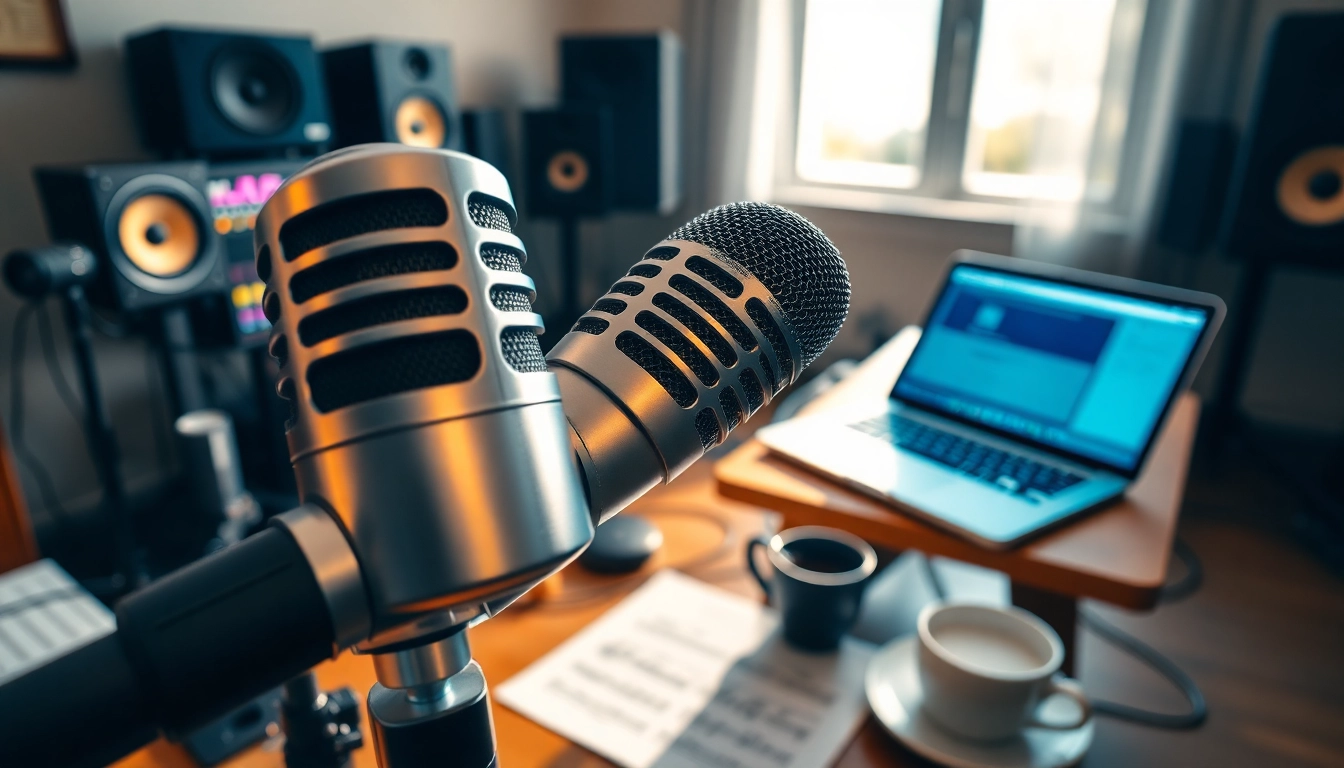
The Shure MV88 microphone is rapidly gaining recognition for its innovative technology and remarkable versatility. Designed for mobile devices, such as smartphones and tablets, this microphone brings studio-quality sound to your pocket. Its compact design makes it an attractive option for artists, podcasters, and content creators who desire professional audio without the bulk of traditional equipment. The importance of high-quality audio in today’s content-driven world cannot be overstated, and the MV88 stands at the forefront of this revolution.
What Makes the MV88 Unique?
One of the standout features of the MV88 is its ability to deliver high-fidelity audio captured directly from your mobile device. Unlike conventional microphones, the MV88 leverages advanced digital signal processing (DSP) technology, allowing users to achieve rich sound quality while enjoying the convenience of being ultra-portable. This unique design integrates seamlessly with various recording apps and features a Lightning connector, ensuring compatibility with iOS devices.
Key Features of the MV88
- Compact and Portable: Weighing only a few ounces, the MV88 is perfect for travel and mobile recording.
- Adjustable Polar Patterns: Users can choose between cardioid, bidirectional, and omnidirectional modes, tailoring sound capture based on recording needs.
- Built-In DSP: The DSP offers multiple preset modes for different environments, optimizing audio quality whether indoors or outdoors.
- Easy Connectivity: Designed for use with Apple devices, it connects via a Lightning port with no additional adapters needed.
- High-Quality Audio Capture: The microphone captures audio at up to 24-bit/48 kHz, resulting in professional-level recordings.
How it Compares to Other Models
When comparing the MV88 to other microphones in the same spectrum, it becomes evident that its feature set offers significant advantages. Unlike traditional XLR microphones that require complex setups, the MV88 simplifies the recording process without sacrificing quality. Many competitors offer external microphones that do not integrate as seamlessly with mobile devices or require cumbersome adaptors. The MV88’s compatibility, combined with its sleek design, makes it an ideal microphone for anyone looking to streamline their audio capture process.
Setting Up Your MV88 for Optimal Performance
Needed Equipment for a Perfect Setup
For optimal use of the MV88, minimal equipment is needed. Primary requirements include:
- A compatible iOS device with a Lightning connector.
- A recording app that supports external microphones (such as ShurePlus MOTIV or GarageBand).
- Optional windshields or pop filters if you plan to record in windy conditions or during high-energy performances.
- A tripod or stand to secure the microphone during recordings.
Placement Tips for Best Sound Quality
Placement is critical for capturing the best audio. Here are some expert tips:
- Distance Matters: Position the microphone at a distance of 6-12 inches from the sound source for the most balanced audio.
- Avoid Overloading: When capturing loud sound sources, adjust your distance and setup to prevent distortion.
- Angle Adjustment: Experiment with the angle of the microphone to capture the sound correctly; for podcasts, a slight tilt toward the speaker is beneficial.
Common Setup Mistakes to Avoid
Even with straightforward configurations, several mistakes can hinder performance:
- Ignoring App Settings: Always check the input settings on your recording app to ensure the MV88 is recognized as the input source.
- Unoptimized Mic Gain: Adjust microphone gain settings within the app to prevent clipping or distortion.
- Neglecting Background Noise: Ensure your recording location minimizes background noise to improve audio clarity.
Recording with the MV88
Best Practices for Different Recording Environments
Understanding how to adapt your setup to different environments can significantly improve your recording quality.
For indoor recording, pay attention to acoustics; using rugs and curtains can help dampen echo. Conversely, when recording outside, protect your setup from wind with appropriate wind gear and always consider the background noise for clarity. Choose your polar pattern wisely—omniscient may be best for capturing ambient noise in a crowded café while a cardioid pattern is ideal for interview setups.
Tips for Capturing Live Events
Recording live events provides its unique challenges and opportunities. Here are some essential tips:
- Test Before You Record: Always conduct a soundcheck to adjust levels prior to the event.
- Use a Stand: A stable mount minimizes handling noise during recordings.
- Utilize Stereo Mode: For music events, consider switching to stereo mode to capture a more immersive sound.
Editing Audio Recorded with the MV88
Editing is an integral part of achieving polished audio. Popular software choices like Adobe Audition, Audacity, and GarageBand provide tools to enhance your recordings:
- Noise Reduction: Clean up background noise and enhance clarity with noise reduction tools.
- Equalization: Adjust frequencies to balance sound, enhancing clarity for vocals or richness for instruments.
- Compression: Use compression to level out audio, ensuring louder noises don’t overpower softer sounds, giving your recording a professional finish.
Exploring Advanced Features of the MV88
Using Digital Signal Processing (DSP)
The built-in DSP of the MV88 allows for real-time audio processing with various modes tailored for specific environments. Utilizing these presets correctly transforms the quality of recordings:
- Speech Mode: Optimizes for voice clarity, ideal for podcasts and interviews.
- Flat Mode: Captures a broad frequency response, suitable for music recordings or soundscapes.
- Loud Mode: Reduces distortion and handles higher sound pressure levels, useful for live performances.
Customizing Settings for Specific Uses
The MV88 allows for comprehensive customization, adapting your recording experience to your specific needs. Adjust the gain directly through your recording app, and switch polar patterns depending on your context. For instance:
- Use cardioid for focused sound in interviews.
- Select omnidirectional for group settings or ambient sounds.
- Utilize widescreen mode when capturing music or performances for a fuller sound.
Integrating with Other Audio Equipment
The MV88 can serve as the centerpiece of a larger audio setup. Incorporating additional equipment can enhance usability:
- External Mixers: Allows for advanced audio control when used in concerts or complex setups.
- Headphones: Monitoring audio in real-time can provide immediate feedback on the quality being recorded.
- Cables and Adapters: Consider investing in quality cables to prevent audio loss and ensure seamless integration with other devices.
Real-World Applications of the MV88 Microphone
Professional Uses in Music and Podcasting
Music producers and podcasters alike have found a valuable asset in the MV88. Its clarity and versatility make it a perfect choice for:
- Studio recordings: Capture vocals and instruments with pristine quality.
- Field recordings: Create high-quality audio content in various locations without lugging heavy gear.
- Live podcasts: Produce engaging content in front of audiences without losing sound integrity.
Educational and Community Applications
Schools and community programs also benefit from using the MV88. Educational projects often emphasize the importance of high-quality audio content, and the MV88 meets those needs beautifully:
- Student Projects: Record presentations, interviews, or performances to showcase student work.
- Community Events: Give local groups the opportunity to share their stories, recording workshops or talks with pristine audio.
Building Your Brand with High-Quality Audio
In a digital world where content is king, the need for quality audio is critical for brand success. The MV88 enables creators to establish a professional image:
- Enhancing the listener experience through quality sound can set a podcast apart from the competition.
- High-quality music recordings lead to better reception and opportunities within the industry.
- Clear audio contributes to engaging videos or live streams, enriching brand presence across platforms.
In conclusion, the Shure MV88 is a powerful and versatile tool for anyone looking to elevate their audio recording game. From setting up the microphone effectively to advancing sound quality in post-production, this compact device transcends the traditional limits of mobile recording technology.